TV Moon · Promotional TV Screens by Ordermoon
Turn the TVs in your dining room into a silent salesperson that lifts every check
Why leave wall screens switched off or playing someone else's ads when they can sell your highest-margin cocktails, desserts, and daily offers? With TV Moon, you launch a new promo from your phone in Ordermoon and it comes alive on every TV in your venue in minutes.
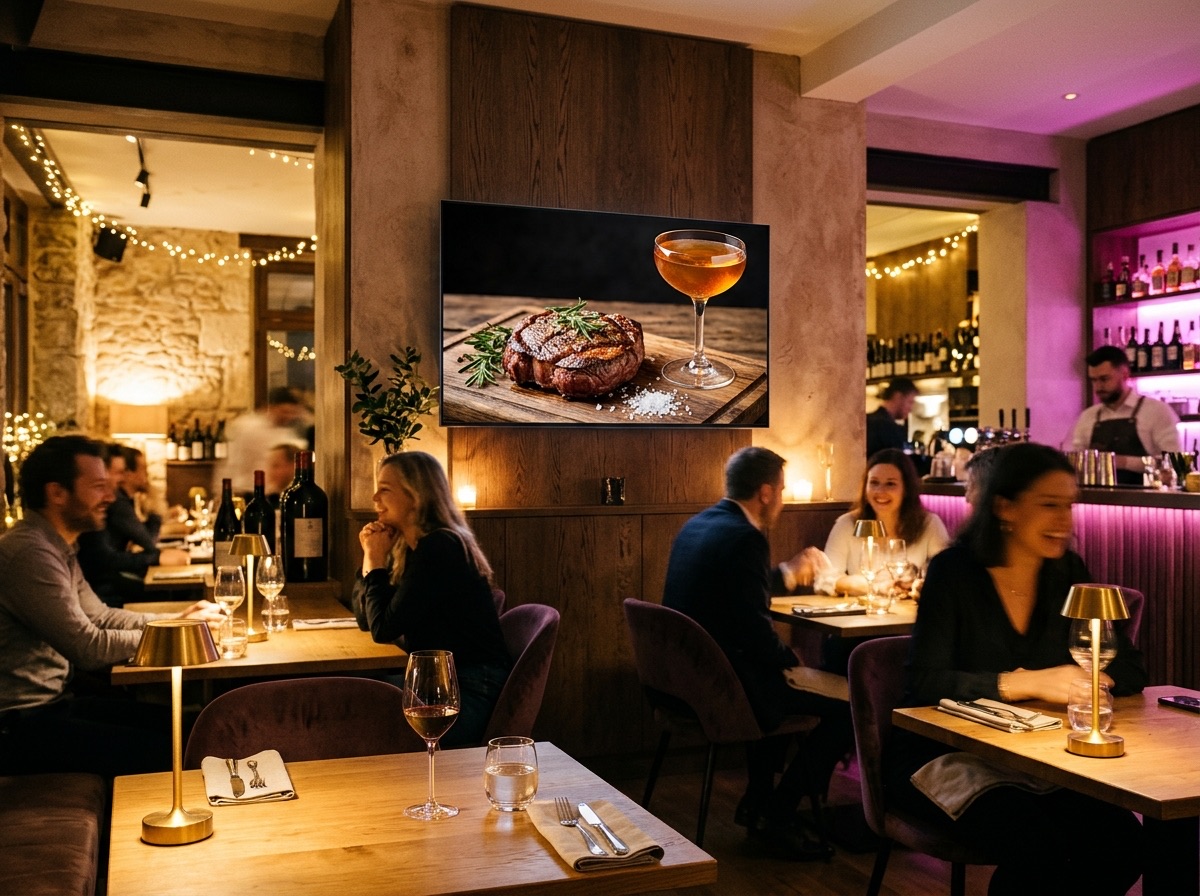
Guests order with their eyes — use every screen to sell more
In most restaurants, bars, and cafes, wall-mounted TVs are already bought and installed—yet they do not earn a single cent. Either they stay switched off or they loop random music channels while you waste the most valuable advertising space inside your own venue: the eyes of guests already seated at tables and ready to order.
TV Moon turns every display into a sleek showcase for your offers. While guests wait for drinks or browse mains, appetizing specials glide smoothly across the big screen—dessert of the night, a signature cocktail, a wine selection, or a combo deal. Without servers pushing or awkward upselling, guests ask for the promo they just saw on their own.
Zero printing, flyer, or designer costs
Printed table tents get stained, torn, and outdated by the following week. With TV Moon, you refresh promotions as often as business calls for—without paying again for prepress or waiting on a print shop. And every offer automatically carries a subtle reminder inviting guests to leave a 5-star Google review.
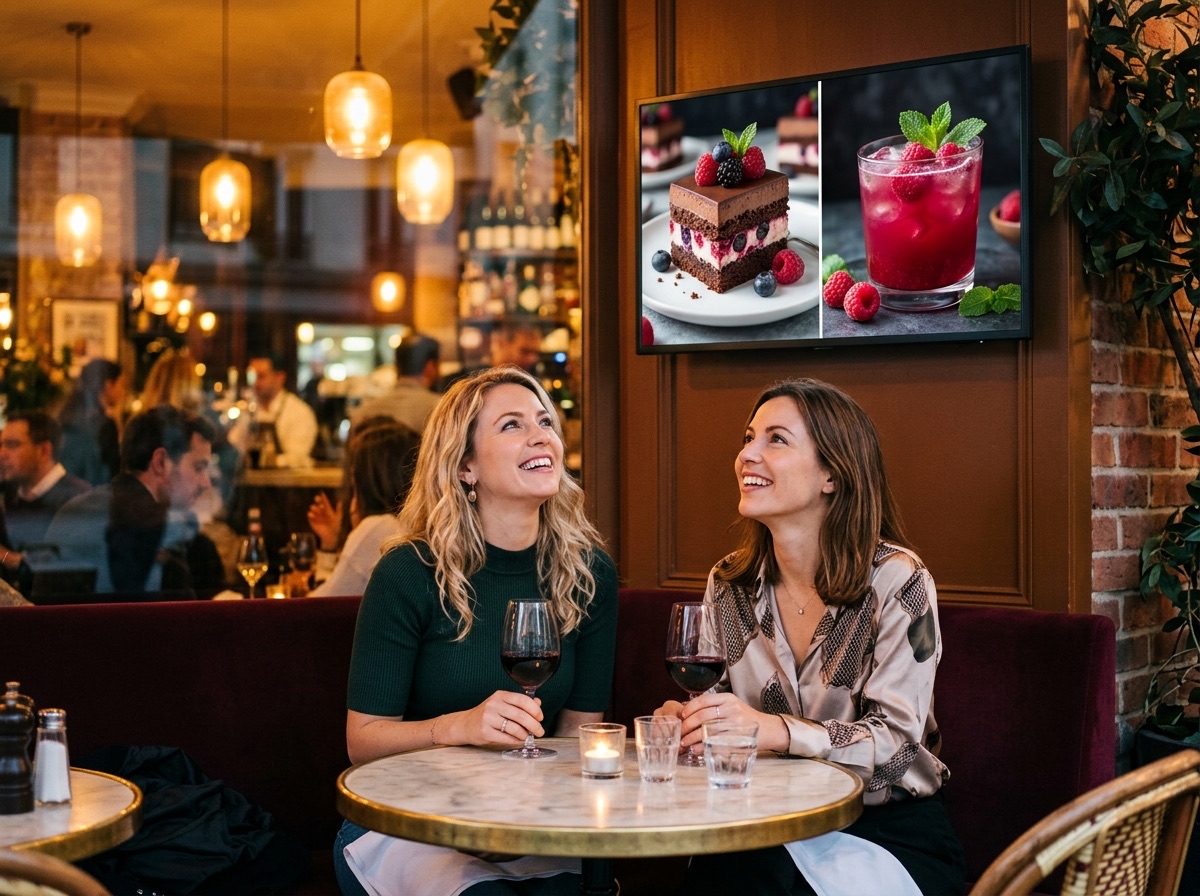
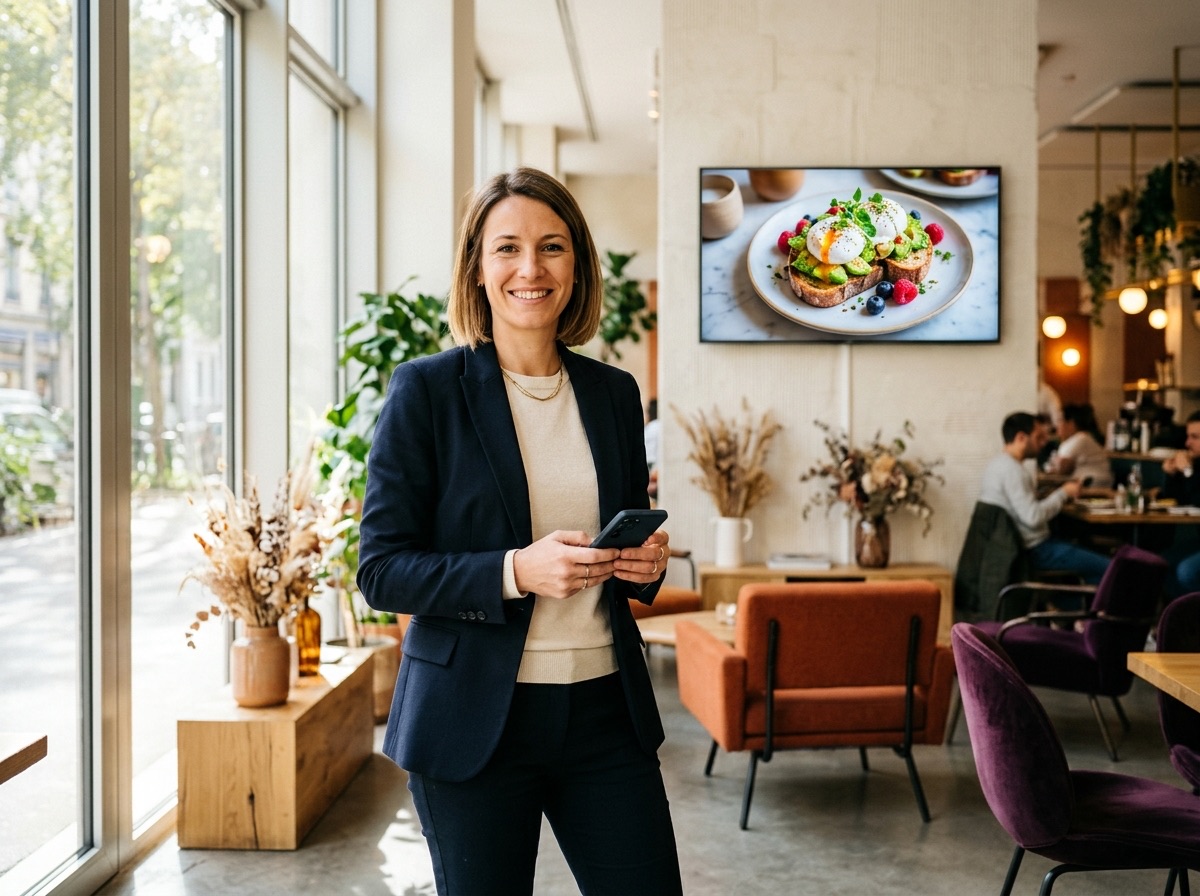
Built for Ordermoon: one offer from your phone, instant sync on every screen
The best promotional system is one you will actually use every day. Forget exporting slides onto USB sticks, climbing ladders to high TVs, and wrestling with remote-control menus. TV Moon is built directly into your Ordermoon Restaurant app.
Open the Offers section on your phone, snap the dish or upload a finished visual, add a headline, description, and validity date—and you are done. TV Moon automatically checks for new offers in the background, preloads images, and weaves them smoothly into rotation on every TV in your venue with zero flicker and no restarts.
Open one link and the screen runs itself 24/7
Every venue gets its own dedicated URL (such as tv.ordermoon.com/city/venue/) that opens straight in any Smart TV browser. The display switches automatically to full-screen, hides the cursor, scales text cleanly to fit any resolution so nothing ever gets clipped, and recovers automatically if Wi-Fi drops briefly.
Interactive TV Moon Studio
Tap an offer on your phone — and watch it light up the TVs in your dining room
Try live how effortlessly TV Moon works with Ordermoon: switch the offer, push an instant flash promo, toggle "Poster Only" mode, or show the Google review prompt.
Choose an offer for the screen:
Chocolate Dessert + Signature Cocktail
Promote exactly what drives profit at the right hour of the day
Different hours in your venue hold different profit potential. In the morning you sell coffee with croissants and brunch, at midday quick lunch specials, in the late afternoon cocktail Happy Hour, and in the evening and on weekends steaks, wine, sharing platters, and big football screenings.
TV Moon adapts to every type of content: it presents a sleek split screen with a large photo, price, and "valid until" date, switches into a clean "poster-only" mode for full-bleed promotional graphics, supports custom durations per slide, and even formats dates automatically in Bulgarian or English.
Double payoff: sell more today and build Google reputation for tomorrow
While guests enjoy the atmosphere, a tasteful footer strip on every offer reminds them to leave a Google review. Paired with the Google rating system (RatingMoon), your TVs don't just lift today's check average—they also attract tomorrow's new diners from Google Maps.
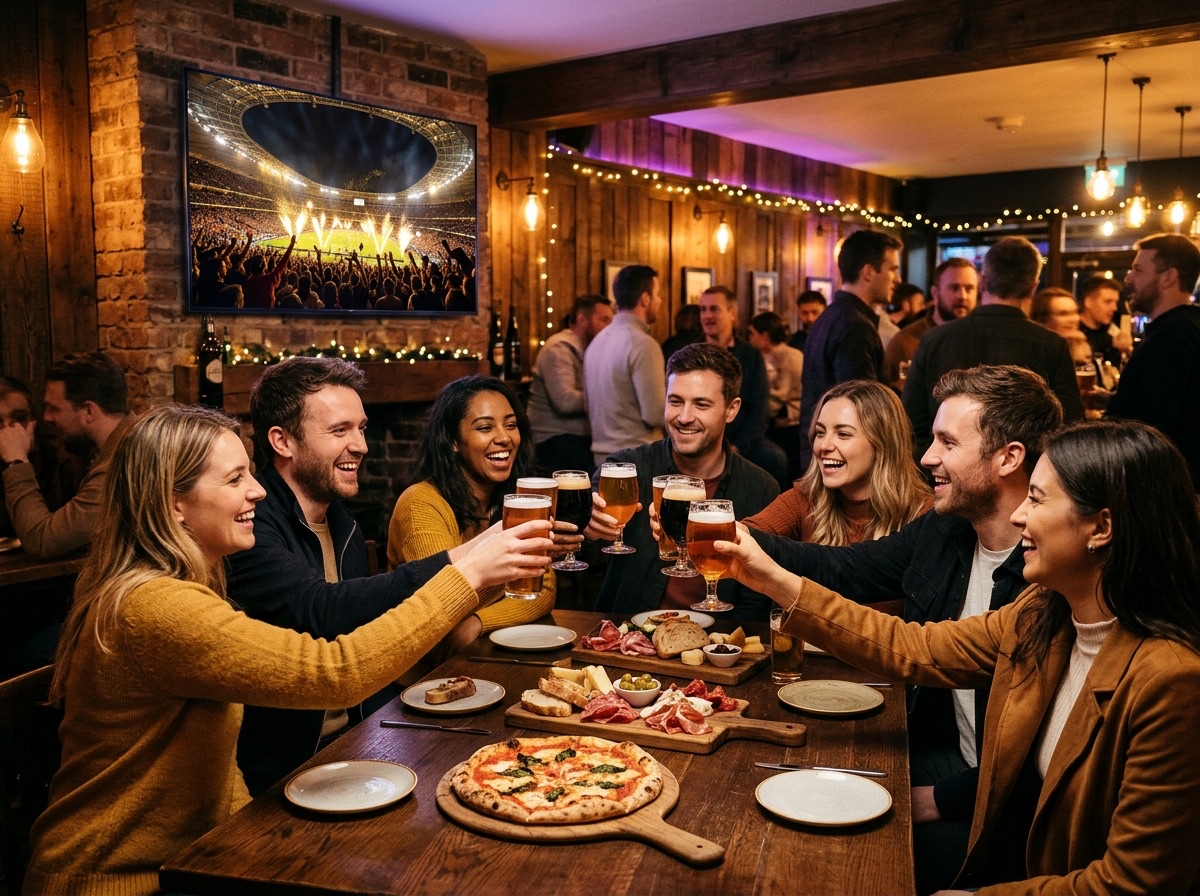
Part of the Ordermoon ecosystem — one platform, zero double work
The biggest advantage of TV Moon is that you are not buying yet another isolated tool with a separate login and clunky dashboard. If you already use Ordermoon's digital QR menu, online ordering, or reservations, TV Moon plugs into the exact same account in minutes.
Publish a special offer once in Ordermoon Restaurant and it works for you everywhere: on the TVs in the room, inside the table menus, and in front of online visitors. No extra hardware, no training courses, and a risk-free trial—plus venues that accept Bitcoin can get started with no prepayment required.
Ready to launch today on your existing screens
Whether you have a single TV behind the bar or five screens across your main hall and garden, TV Moon syncs them effortlessly. Reach out to our team, we'll activate your custom TV link, and tonight your screens will already be selling.
Combine TV Moon with other Ordermoon modules
Digital QR Menu & AI Sommelier
The offer on the screen sparks appetite—the table QR menu closes the order in seconds.
Google Rating (RatingMoon)
Reinforce TV reminders with table QR cards to generate even more 5-star reviews.
Full Administration
Manage TV offers, menu, orders, and reservations from one mobile app.
Put your TVs to work paying for themselves tonight
Write or call us for a quick demo—we'll show you TV Moon live and activate your dedicated TV display connected directly to Ordermoon.
Frequently asked questions about TV Moon
Clear answers about getting started, supported TVs, and managing displays via Ordermoon.
Do we need to buy a special media player or new TVs?
No. TV Moon runs directly inside the browser of any standard Smart TV (or any TV with a basic TV stick or box). You open your unique URL and the screen automatically switches to full-screen mode.
How quickly do offers update on the TV after we edit them in Ordermoon?
You update or add an offer in the Ordermoon Restaurant mobile app and TV Moon fetches it automatically in the background every two minutes, blending it smoothly into rotation without page reloads or black screens.
Can we display both photo-with-price offers and full-screen promo posters?
Yes. TV Moon automatically supports both modes—a sleek split screen with photo, title, description, validity date, and Google review prompt, as well as a full-screen poster-only mode whenever you upload ready-made artwork.
Can one account run multiple TVs in our venue?
Yes. Simply open your venue's URL on every screen in the dining room, bar, or terrace—every new offer in Ordermoon syncs across all of them simultaneously.
What happens if the venue's internet drops briefly?
TV Moon includes built-in auto-recovery and reconnection if the connection drops temporarily, so servers never have to restart the TV with a remote.