Table Seating · tablemoon by Ordermoon
Manage your dining room, zones, and open tables in real time — right from your phone
Put an end to walking back and forth between tables, messy paper sketches, and lost peak-hour turns. With Ordermoon's visual floor plan, you see every table at a glance, seat walk-ins in two taps, and move parties in seconds.
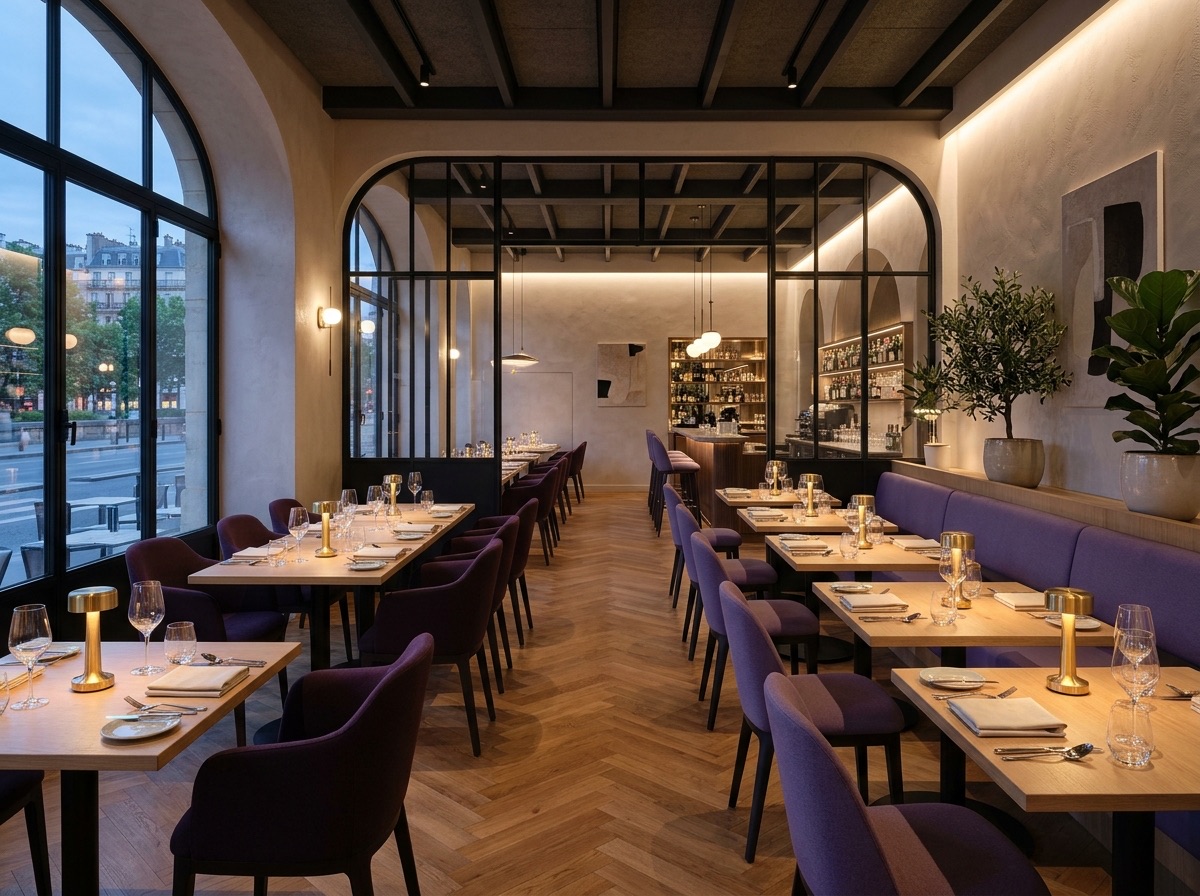
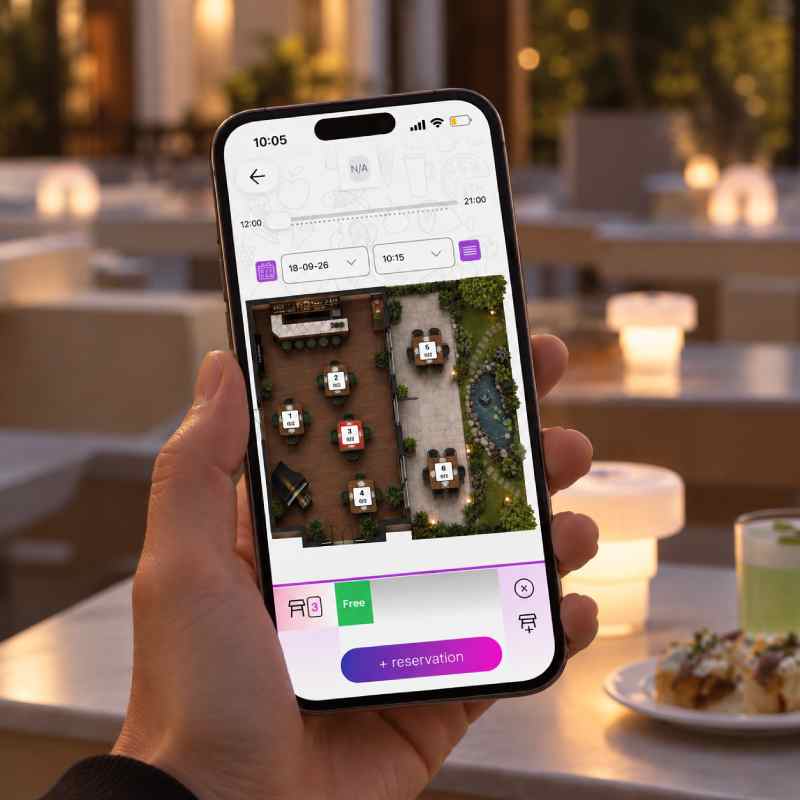
A visual floor plan in your pocket — no more guessing who is sitting where
When a venue has an indoor dining room, garden, bar area, or second floor, the costliest bottleneck on a Friday night is a lack of instant visibility. A party of four steps up to the entrance, and the host walks through the room to check which four-top is open, which one is reserved in thirty minutes, and which table is just finishing dessert. Meanwhile a queue builds at the door, and waiting guests start wondering whether to stay.
Ordermoon's table seating module (tablemoon) puts the exact layout of your restaurant straight inside the Ordermoon Restaurant mobile app for iOS and Android. Instead of guessing or asking colleagues across the floor, you open your screen and see the live status of every table—its number, capacity, and exact availability at the selected hour.
One standout tool is the smooth hourly timeline slider (from lunch to late dinner): with a quick swipe of your finger, you preview occupancy at 1:00 PM, 7:30 PM, and 9:00 PM. You can tell immediately whether a table that is open right now can seat walk-ins for an hour and a half before an evening reservation arrives.
Three convenient views matched to how your team works
Different floor situations call for different perspectives. In Ordermoon, you switch instantaneously between the visual floor plan, a clean chronological reservation list (where one tap opens full guest details), and a grid view by table and date. Even rotating your screen gives you a clear split view of the table layout and the day's bookings so every detail is at your fingertips.
Fully connected with Google Reserve online bookings
The floor plan is not an isolated drawing—it connects directly to your Google Reserve online booking module and website. When you accept a new incoming reservation, you place it straight onto the best-fitting table on the layout, and your entire team sees the updated picture that very second.
Manage zones, gardens, and seasonal terraces without chaos between shifts
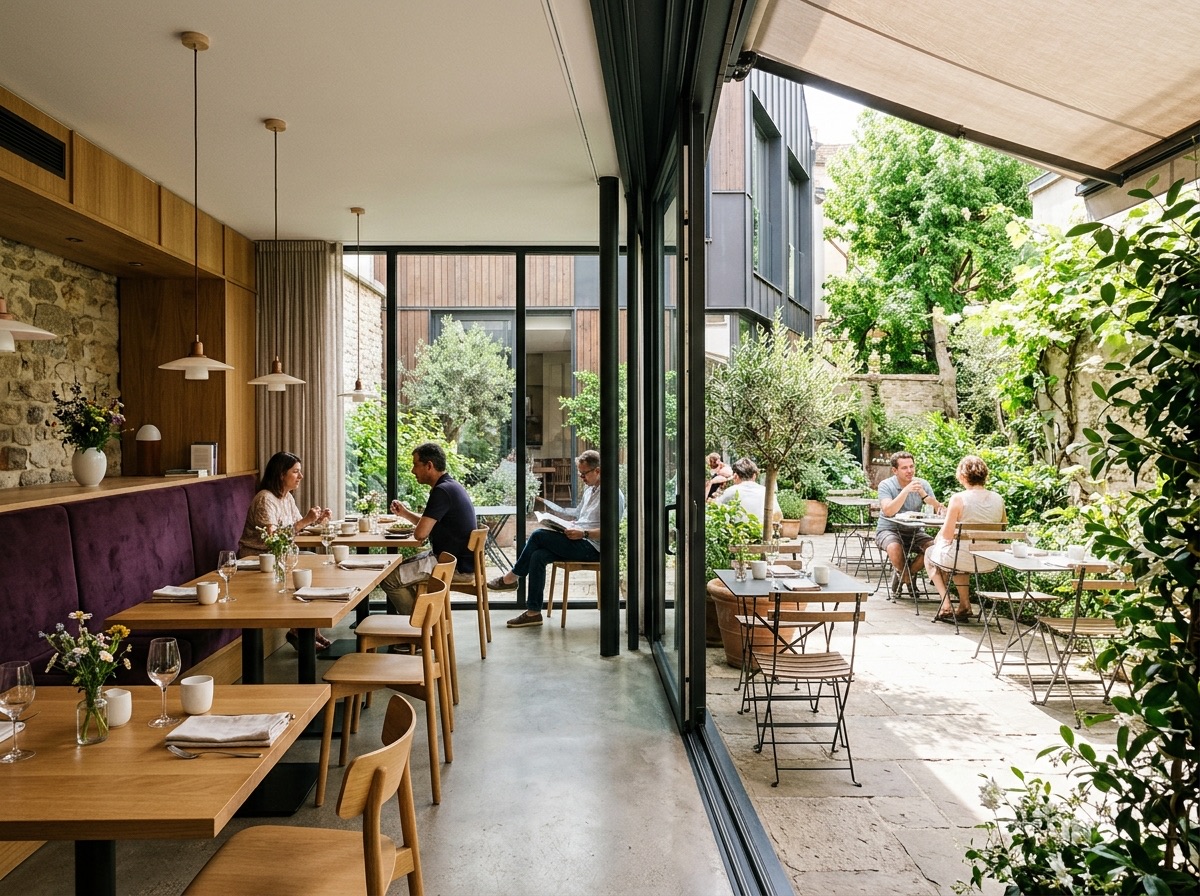
Restaurants are rarely a single plain rectangle. Almost every venue has distinct zones with different atmospheres and demand: a quiet indoor room, a sunny summer garden, a heated winter terrace, tables near the pass, or tucked-away booths. On a warm evening everyone wants to sit outside, yet a sudden shower can force you to move five parties indoors within ten minutes.
With Ordermoon's visual floor plan, you organize your venue into its real zones (such as Indoor Hall and Garden), so every server and host finds their bearings from their very first shift. When the weather turns or a guest asks to move from sun to shade, you transfer the table in the app in seconds while kitchen and floor stay completely aligned.
Balanced server sections and faster service
When seating happens "by gut feel", one section often gets slammed with four new tables at once while the server in the next zone stands idle. The result is slow service, delayed drinks, and stress at the pass. Glancing at the visual map in Ordermoon lets you distribute arriving parties evenly across sections and keep a calm, professional rhythm all night.
One consistent standard across multi-location venues
If you run a hospitality group or two or three venues across town, tablemoon inside Ordermoon gives you a unified structure for tables and guest flow at every site. Managers track occupancy clearly without guesswork, and new hires train much faster.
Shorter door waits and a calmer start for every guest
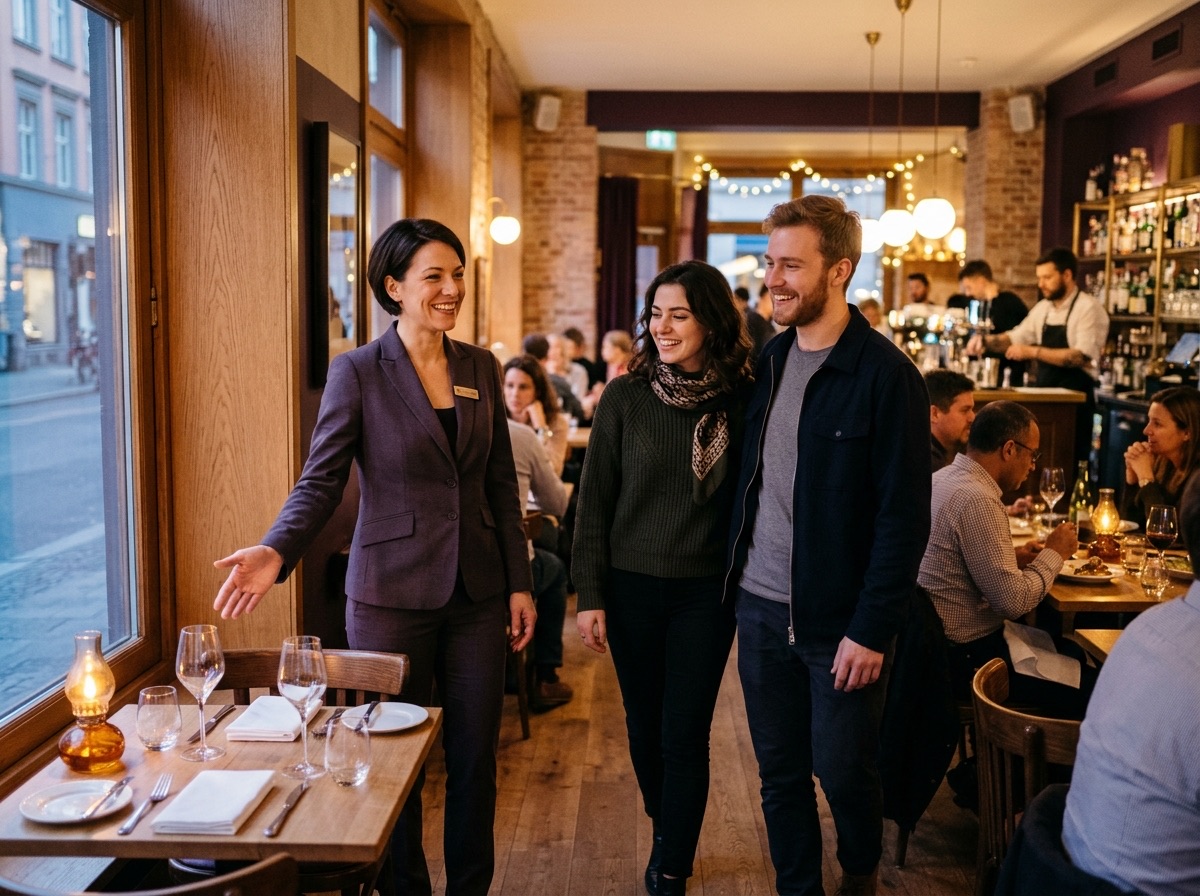
The first thirty seconds after stepping inside set the tone for the entire evening. When a host checks their phone and leads guests straight to a prepared table—without awkward silence or flipping through loose sheets—people sense professionalism before they even open a menu. That smooth welcome naturally leads to a warmer atmosphere and stronger service ratings.
Interactive Floor Plan
Watch tables come alive, merge for large parties, and rearrange in real time
Pick a time slot or test real actions from Ordermoon Restaurant — seating walk-in guests, combining tables for a big group, or moving a booking to the garden.
Instant walk-in seating and flexible group table combinations
Walk-in guests—passersby, neighborhood lunch regulars, or tourists drawn by your strong Google rating—make up a huge share of daily revenue. Yet in many restaurants walk-in tables never get logged anywhere because recording them feels like extra effort. The result is predictable: the table still shows "free" in the system, someone confirms a booking for it, and fifteen minutes later chaos erupts.
In Ordermoon, seating walk-in guests takes literally two taps. You tap an open table on the plan, choose Reserve, and use the quick-booking option. The table immediately flips to occupied, and when the guests finish and leave, you release it just as easily so it becomes available again for the next diners.
Combine multiple tables for large parties and celebrations
A birthday, office lunch, or family dinner for eight or twelve people calls for flexibility. The same fast workflow in Ordermoon handles combining two, three, or more adjacent tables into one shared reservation effortlessly. Every included table is marked in sync so no colleague can accidentally seat a couple at one of them.
Clear a table in one tap for the next guests
As soon as the party finishes and the check is closed, you open the table in the app and mark it free with one tap. Your host and floor team see in real time that the spot is ready for the next diners—cutting wasted turnaround gaps.
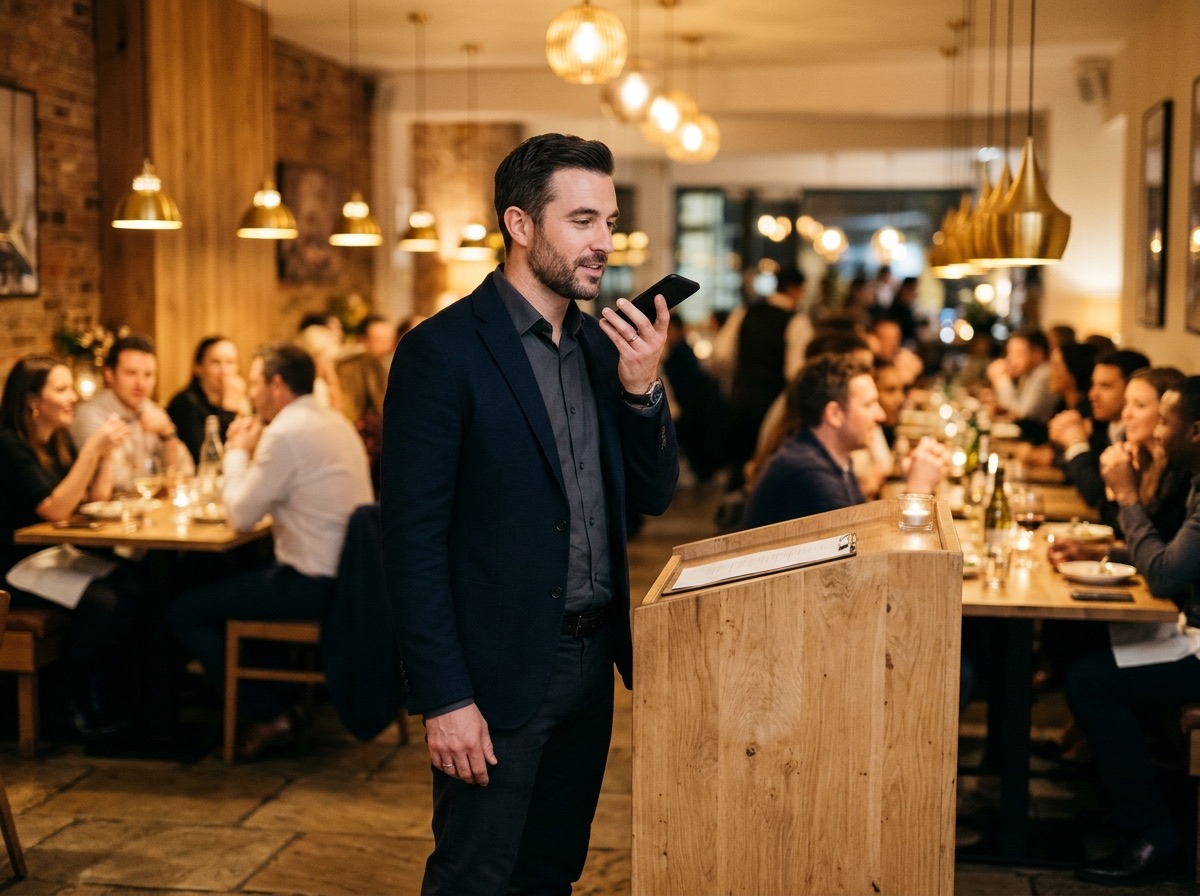
Add reservations effortlessly just by speaking to the app
At the height of evening service, the phone rings, guests arrive at the door, and servers need direction. In that moment, no manager or host has time to type long names, times, and special requests letter by letter on a small phone keyboard.
With Ordermoon Restaurant, you add a reservation straight by voice in seconds. Pick the desired table on the floor plan, tap Reserve, press the microphone icon, and simply speak the details aloud—guest name, party size, time, and note. Tap Save, and the table is marked and synced for the whole team immediately.
Faster than a paper book, with zero lost notes
AI voice input removes the temptation to jot bookings down on scrap paper during busy hours. Even while greeting guests at the stand or walking between rooms, you dictate the reservation on the move and it lands on the exact table in the floor plan right away.
Every guest detail and request visible to the team
A high chair, a window table, a birthday celebration, or a preferred garden spot—say it in one sentence to the app and the note stays attached to the table so every shift welcomes guests prepared.
Move bookings in seconds and onboard your whole team with video tutorials
One of the biggest worries owners have when adopting new software is staff training: "Will hosts and managers pick it up fast enough without slowing down on a Friday night?" Ordermoon's table management interface is built specifically for fast, intuitive one-handed use on a smartphone or tablet.
Moving a booking from one table to another (or onto multiple new tables) takes one button at the top right of the open table: add the new table, remove the old one, and save. Shifting a booking to another day is just as simple—choose edit and move to copy the guest details, switch the date, select an open table, and paste with zero retyping.
Ready-made video library for fast onboarding of new hires
To make every new team member's start as smooth as possible, Ordermoon includes seven short video tutorials in Bulgarian and English—covering checking bookings by date and time, accepting incoming requests, switching views, quick walk-in seating, voice reservations, and moving between tables and dates. A new hire masters the full workflow in fifteen minutes.
Maximum table turns in sync with the rest of Ordermoon
When precise table management works alongside your fast QR menu (which speeds up ordering), Google Reserve, and Ordermoon full administration, your restaurant serves more guests in the same hours—not by rushing diners out, but by eliminating empty gaps and organizational delays.
Daily load overview to prepare for busy weekends
The date view lets you check mid-week which Friday and Saturday slots are already filling up and where open windows remain for earlier or later seatings. That way you can adjust staffing ahead of time, set up tables for large parties, and avoid cramming every booking into the same fifteen-minute window.
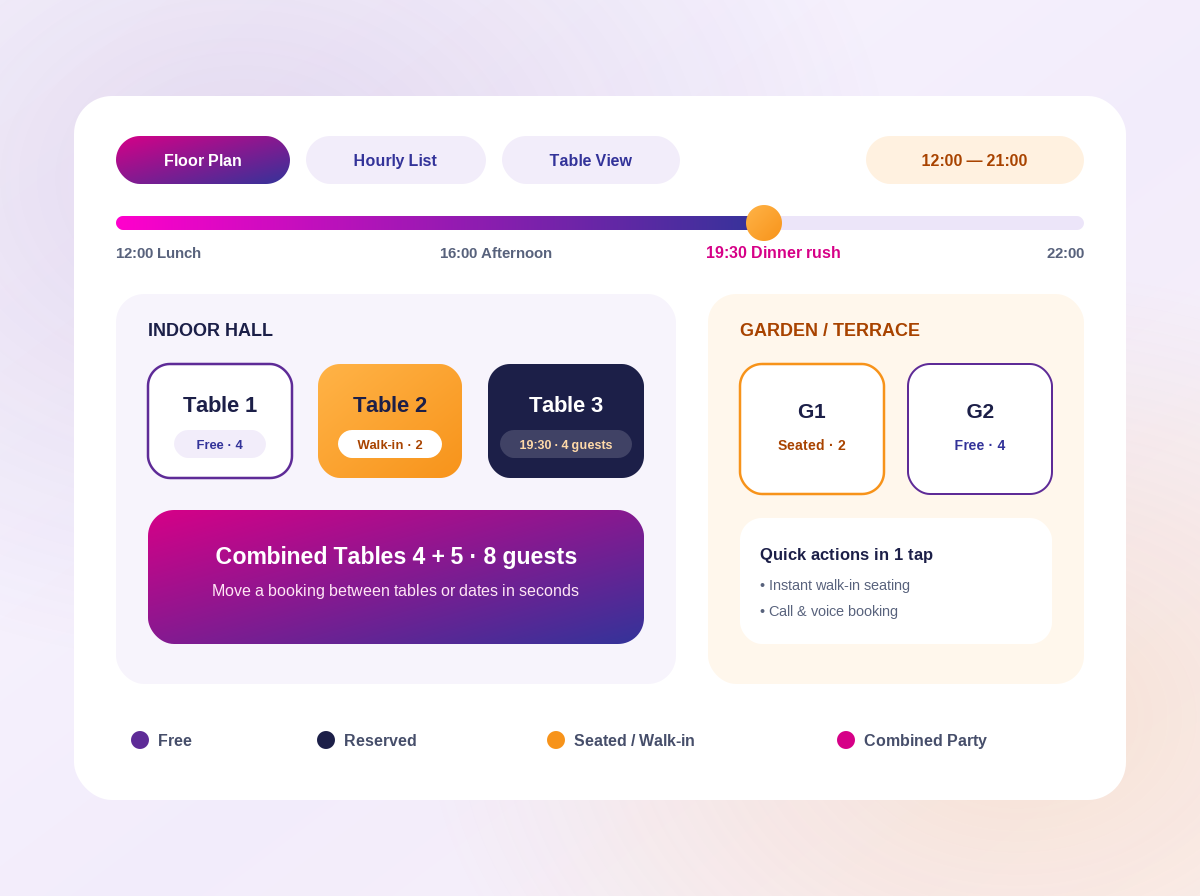
Short Ordermoon Restaurant video tutorial on switching table and floor plan views. Watch all 7 short video tutorials here.
Connected modules for seamless floor organization
Online Reservations (Google Reserve)
Every booking from Google Maps and your website lands straight onto your floor plan.
Digital QR Menu
Guests browse the menu in 20+ languages the moment they sit down—no waiting.
Full Administration
Unite table management, orders, menu, and drivers in one mobile app.
Ready for a calm, organized dining room even on your busiest nights?
Request a demo of the table seating module and we will set up the visual layout with your real rooms, zones, and table capacities.
Frequently asked questions about table seating
How the floor plan is configured, how walk-ins are handled, and how tables are moved.
Can the floor plan reflect the actual layout of our tables and zones?
Yes. Ordermoon (tablemoon) is configured with your real zones—such as indoor hall, garden, terrace, or individual sections—with exact table numbers and capacities so your team finds everything immediately.
How do we log guests who walk in without a booking?
Tap an open table on the plan, select Reserve, and use the quick-booking option. The table immediately shows as occupied, and when cleared you set it free again with a single action.
Can we combine several tables for a large party?
Yes. Both quick seating and standard bookings support selecting multiple tables together, ensuring large groups are accurately reflected across the entire floor plan.
What if guests ask to move to another table or change to another day?
Open the table in the app and use the transfer button to add the new table and remove the old one. For date changes, use the move feature (copy and paste) without re-entering guest details.
Are there other views besides the visual floor map?
Yes. You can switch freely between the visual floor plan, a chronological reservation list, and a table-by-date grid view, or rotate your screen for a combined overview.
Where can we see how the app works step by step?
We have put together a dedicated page with seven short video tutorials for table management, showing every daily action in Bulgarian and English.